
Team messaging
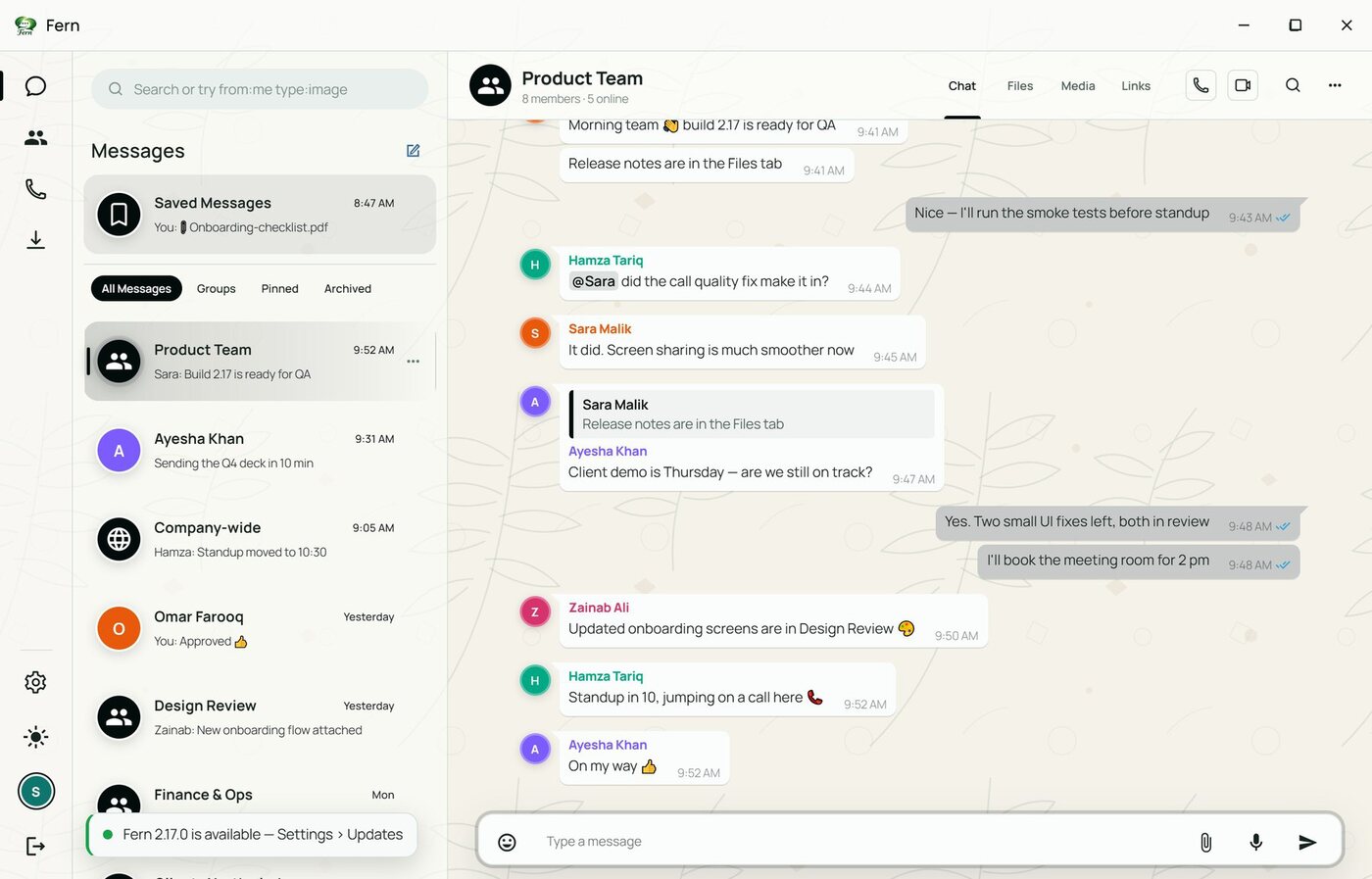
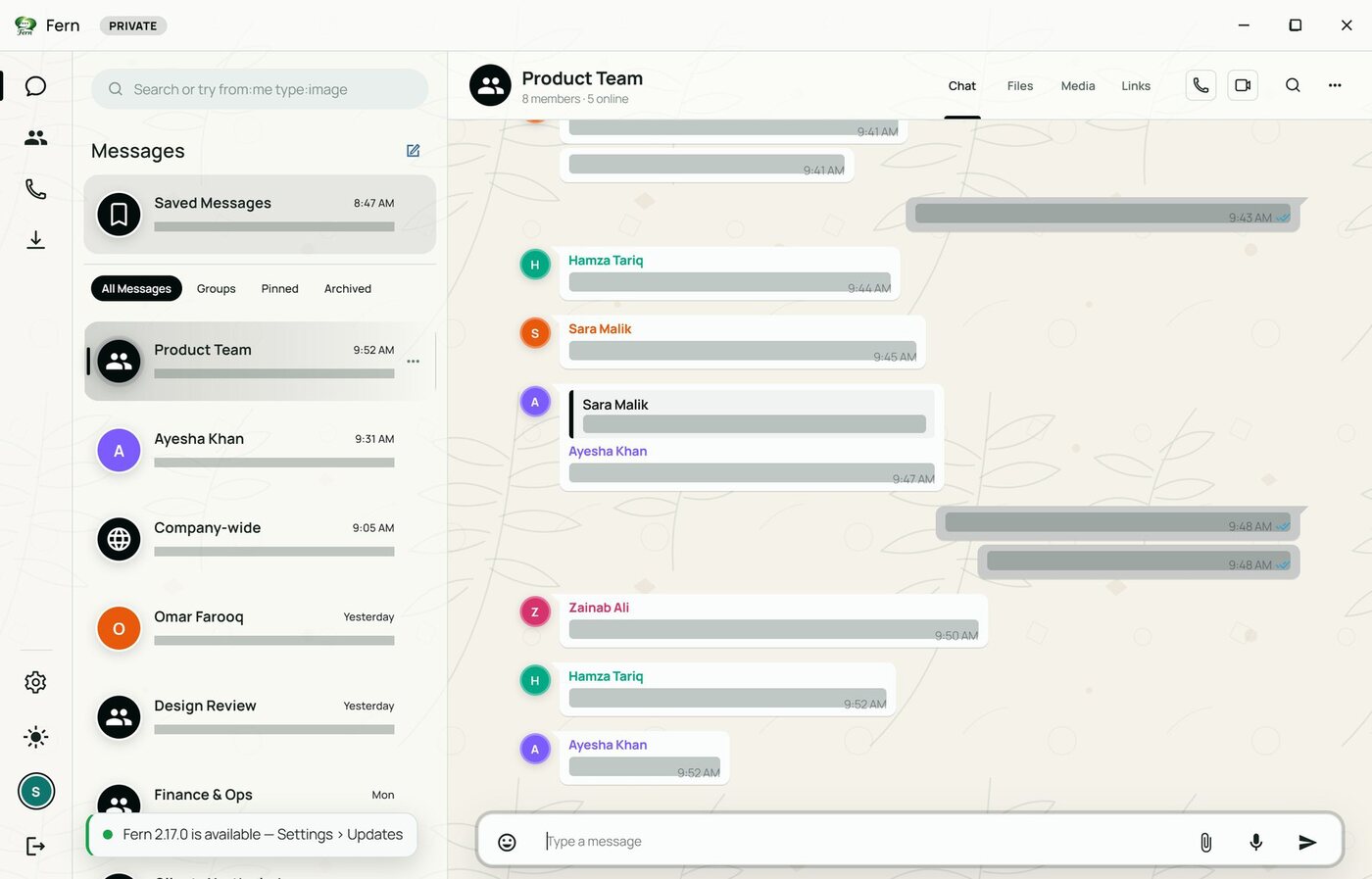
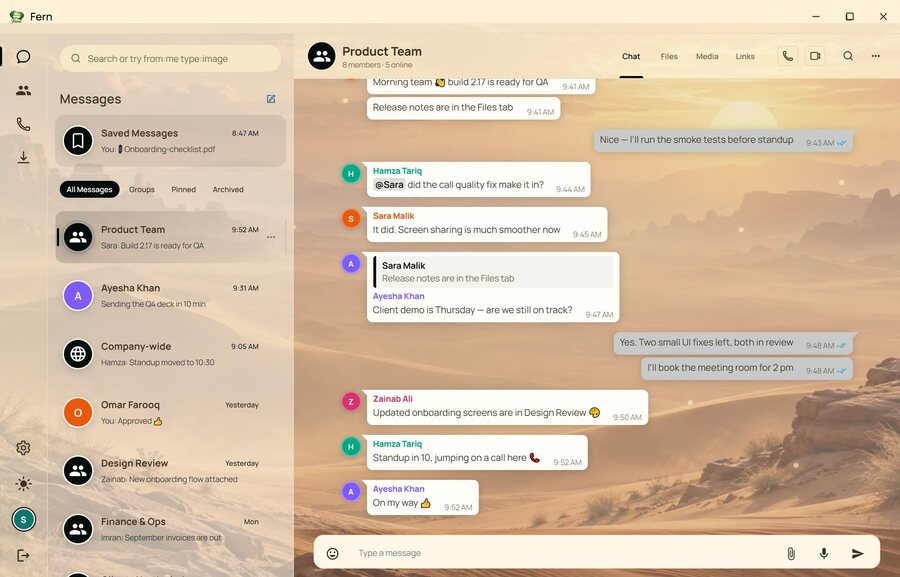
Direct chats, private groups and a company-wide channel, with replies, mentions, reactions, pins, edits and read receipts.
Our product · Fern
A private home for your company's internal conversations: team chat, groups, voice and video calls, screen sharing and file sharing, in one desktop app your admins control. Built for companies of any size, and just as at home with a family or a private group.
Why Fern
Everything in this section is in the app today, on Windows desktop and Android.
Direct chats, private groups and a company-wide channel, with replies, mentions, reactions, pins, edits and read receipts.
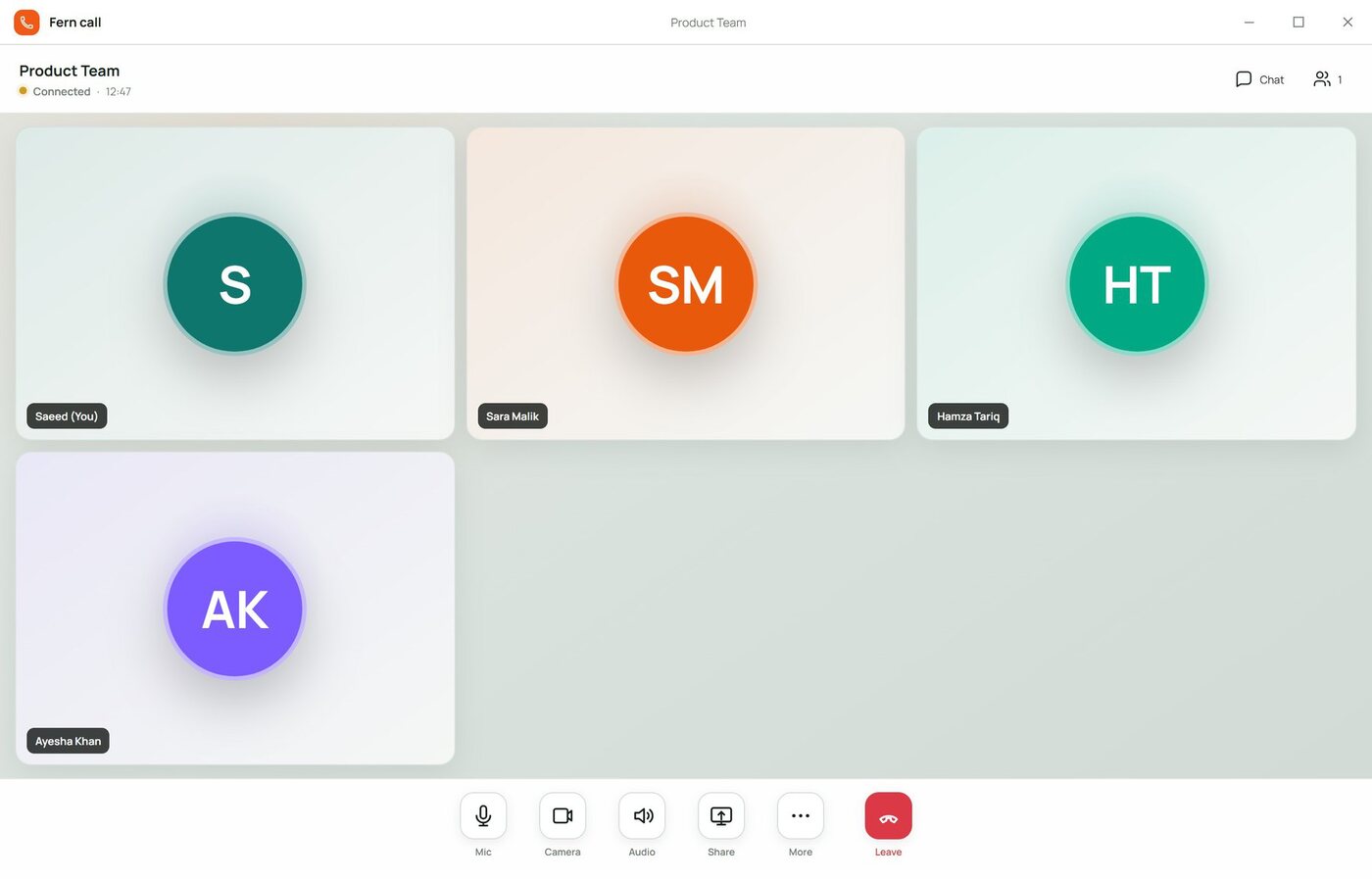
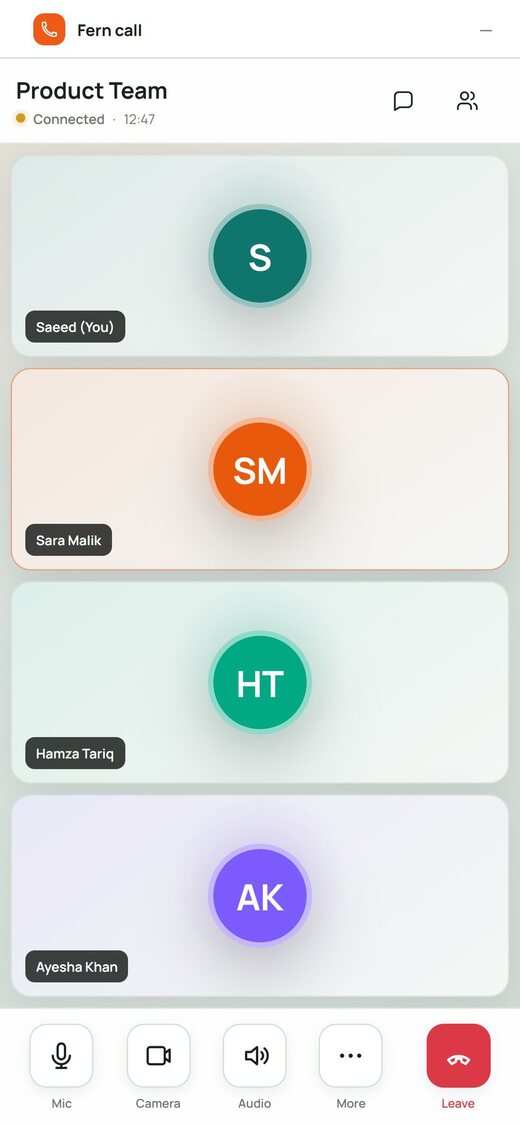
Voice, video and live screen sharing start from any conversation and connect peer-to-peer.
Share documents, images and voice notes up to 250 MB each. Every chat keeps its own Files, Media and Links library.
Privacy mode frosts messages on screen, notification previews can hide content, and read receipts and typing indicators can be switched off.
Lock a chat so only admins post, set slow mode, manage members, and run users, roles and sessions from the command center.
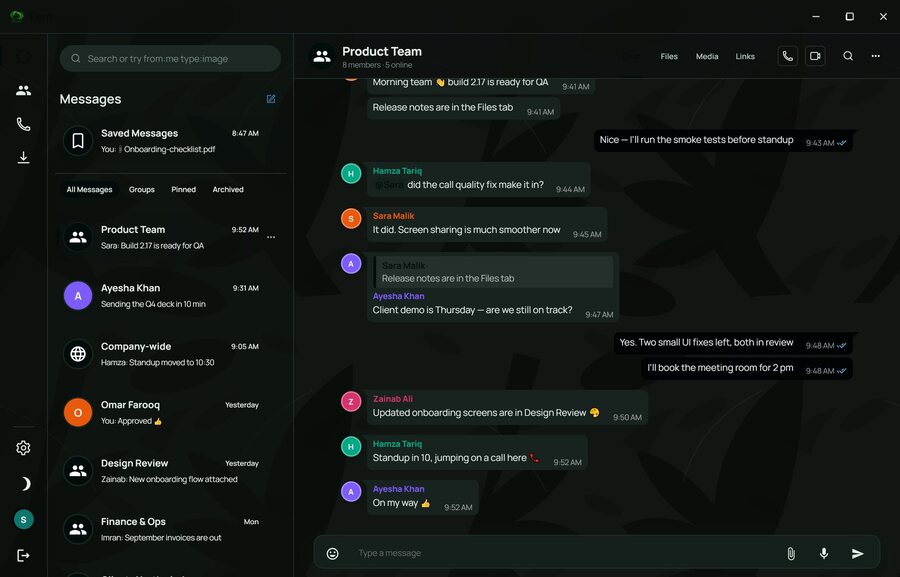
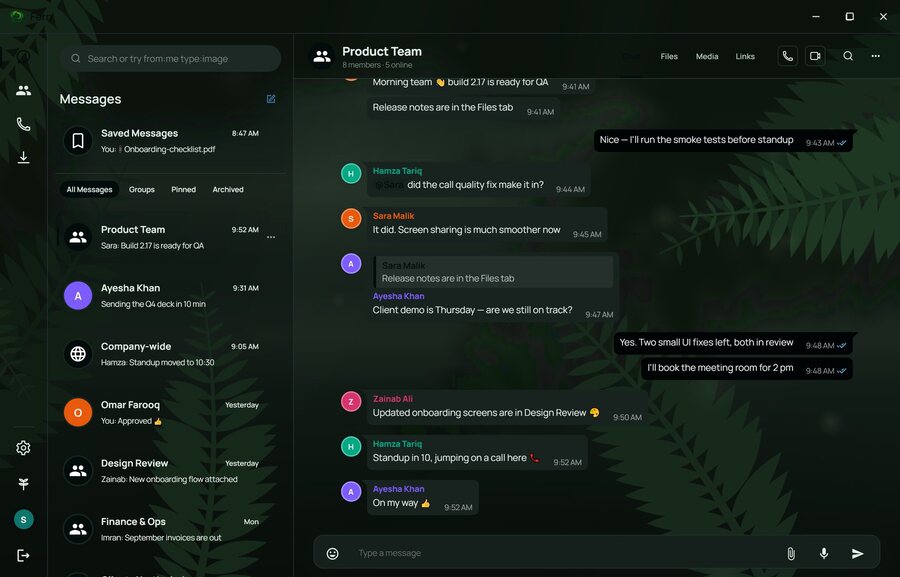
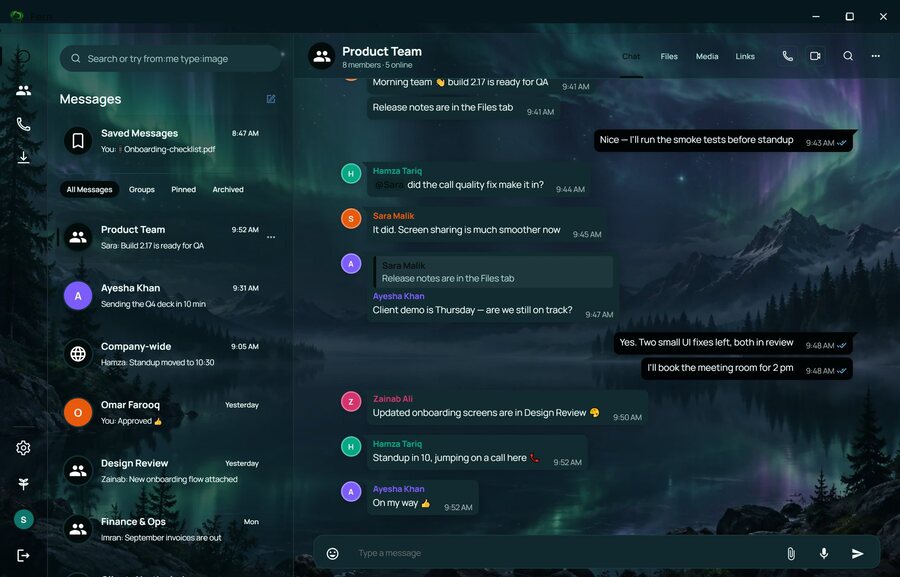
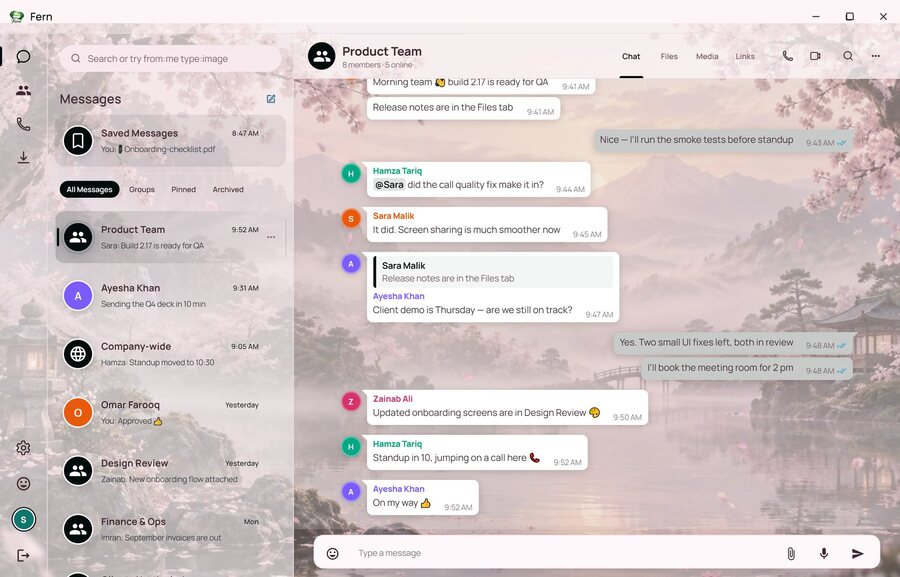
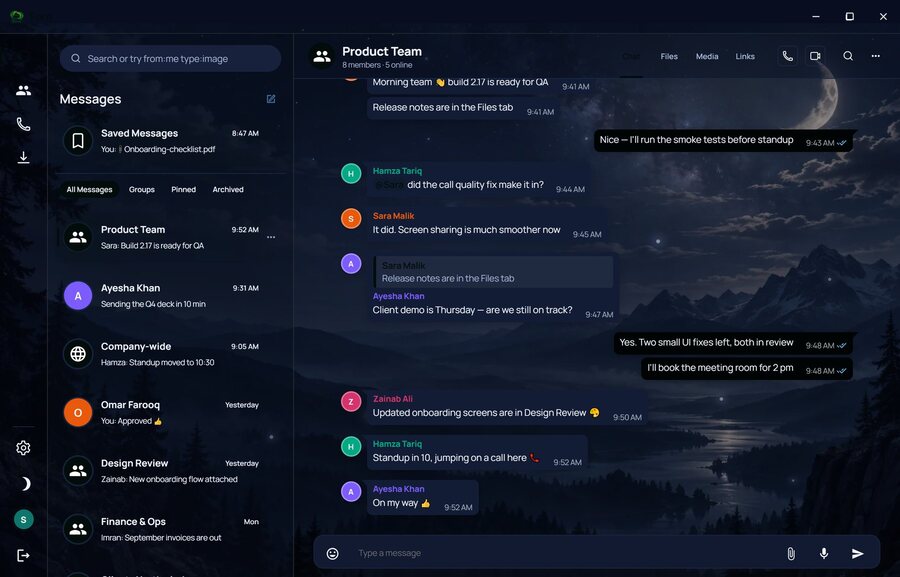
Ten themes, nine accent colours, wallpapers, density, bubble shape and font options, set per person.
Calls
Mobile
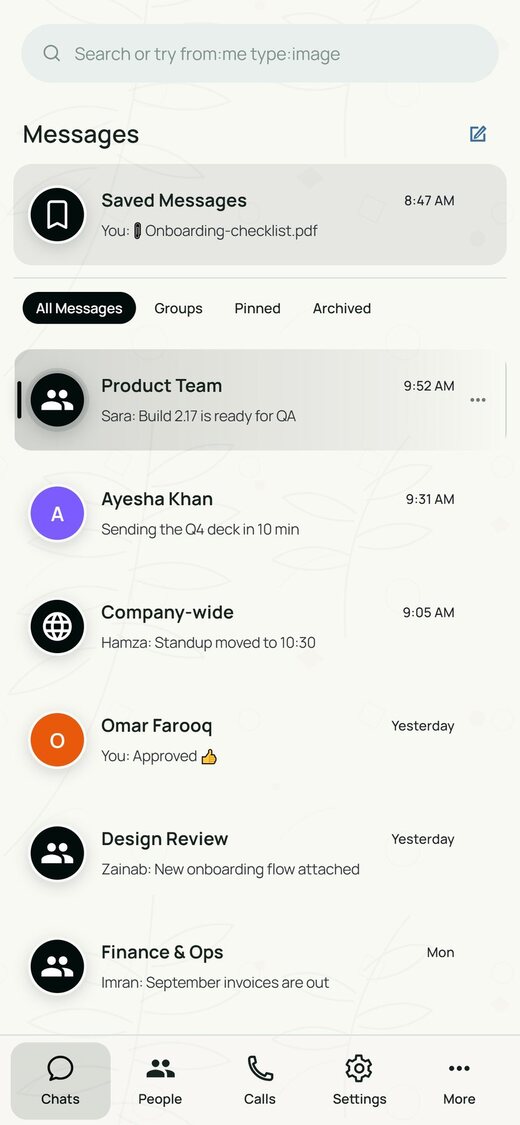
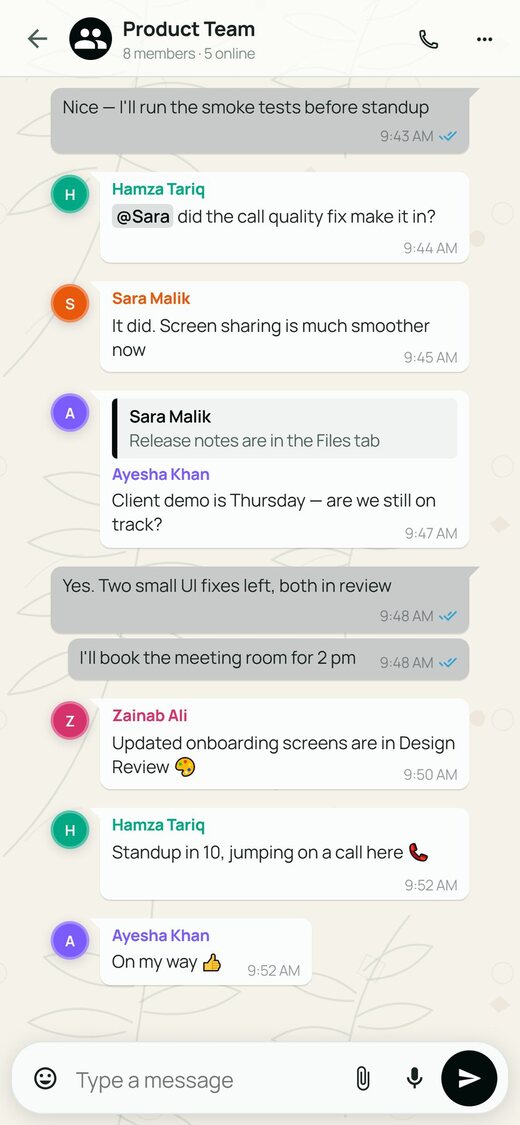
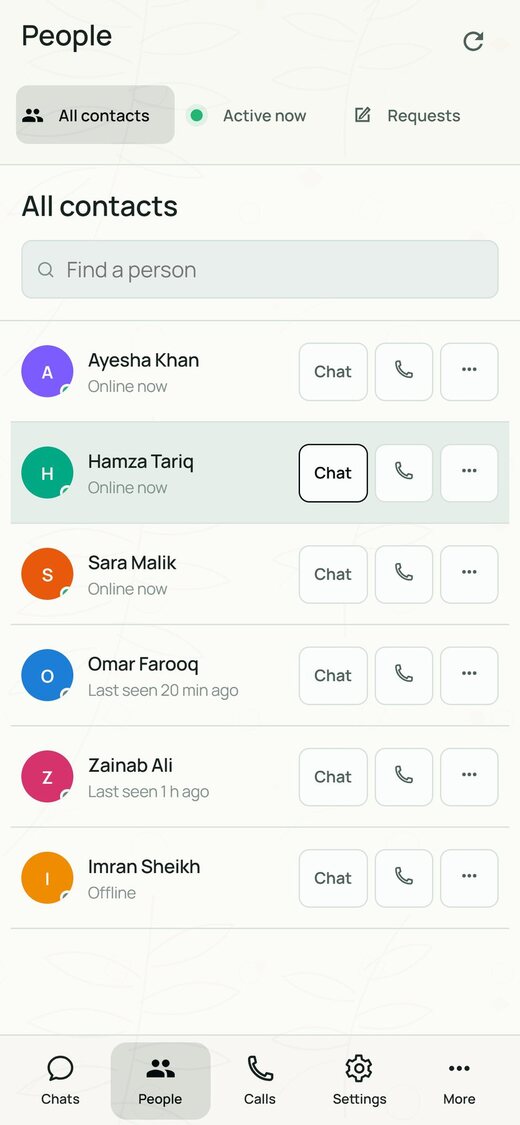
The Android app carries the same conversations, directory and calls in a phone layout.
Privacy
In the app today
Launching next
Personalisation
Six of the ten built-in themes. Each person sets their own.
Deployment
We run it for you
Fern hosts the server, database and file storage. Nothing to install beyond the app, and updates roll out automatically.
You hold the data
Connect your own database and storage so chats and files stay in infrastructure you own. Offered on the Enterprise plan.
Device to device
Voice, video and screen sharing connect directly between participants. Peer-to-peer messaging comes next.
Plans
Three tiers. Ask us for current pricing.
| Starter | Growth | Enterprise | |
|---|---|---|---|
| Best for | Small company | Medium company | Large company |
| Members | Up to 25 | Up to 150 | Unlimited |
| Groups | 20 | 100 | Unlimited |
| People per group | 25 | 150 | 1,000+ |
| File size limit | 250 MB | 1 GB | Custom |
| Shared storage | 50 GB | 500 GB | Custom or your own |
| Call participants | 8 | 25 | Custom |
| Message history | 1 year | Unlimited | Unlimited, with retention rules |
| Support | Priority email | Dedicated contact |
Screens on this page show demo data.
Ask for a demo and we'll set it up and walk you through it.